Your computer or laptop is like your brain partner. It helps you in work, study, gaming, business, or entertainment. But sometimes it becomes slow like a turtle 🐢. You click, but nothing happens quickly. Waiting for apps to open can make you angry and waste your time.
The good news is: you don’t always need to buy a new laptop. With the right tricks, you can speed up laptop 2025 style and make your PC fast again in 2026.
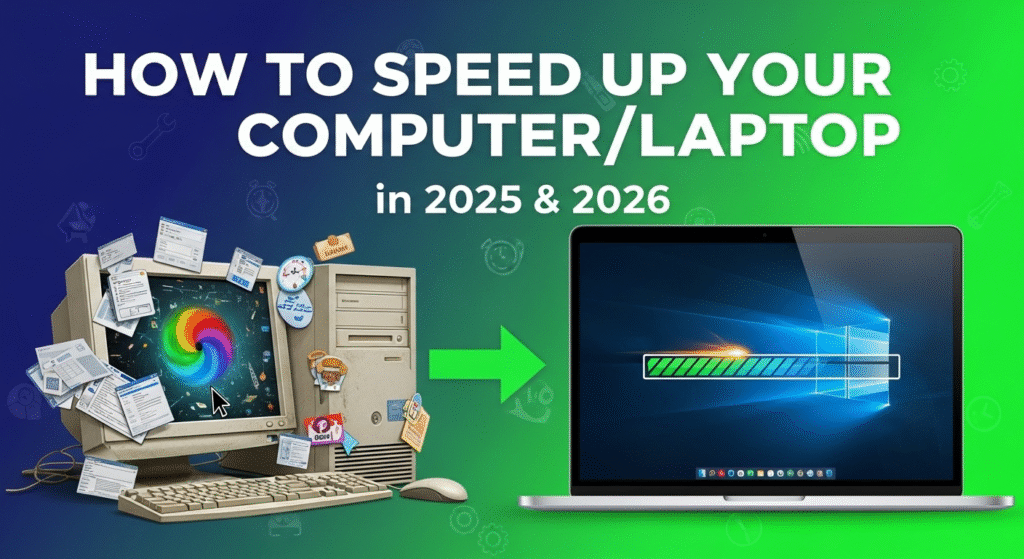
📝 Why Laptops & Computers Become Slow?
Before fixing, you must know the reason. Common causes:
- Too many programs running in background
- Full storage or low RAM
- Old or outdated software
- Viruses and malware
- Dust and overheating
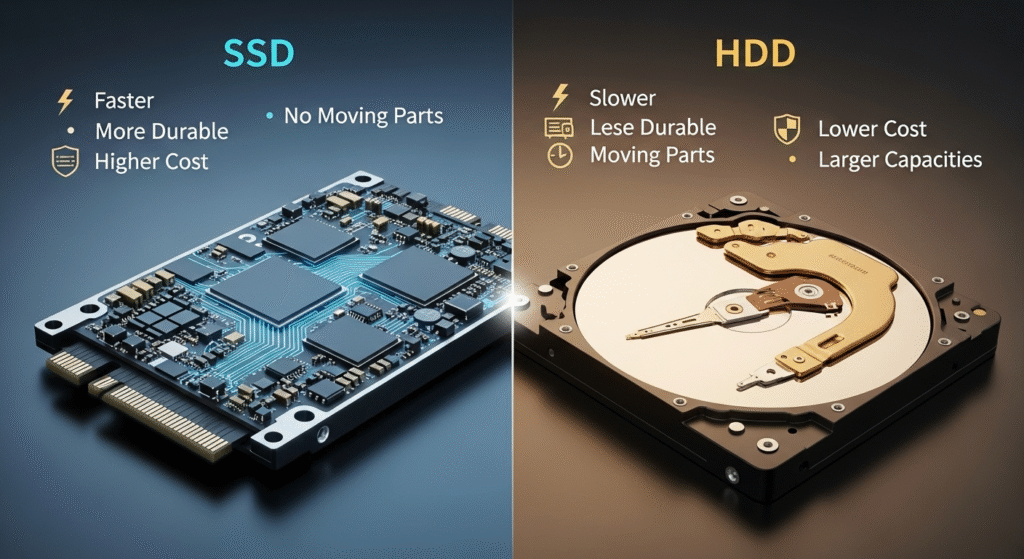
- Outdated hard disk (HDD instead of SSD)
⚡ Master Tips to Speed Up Laptop 2025 / Make PC Fast
Now let’s move to the real action.
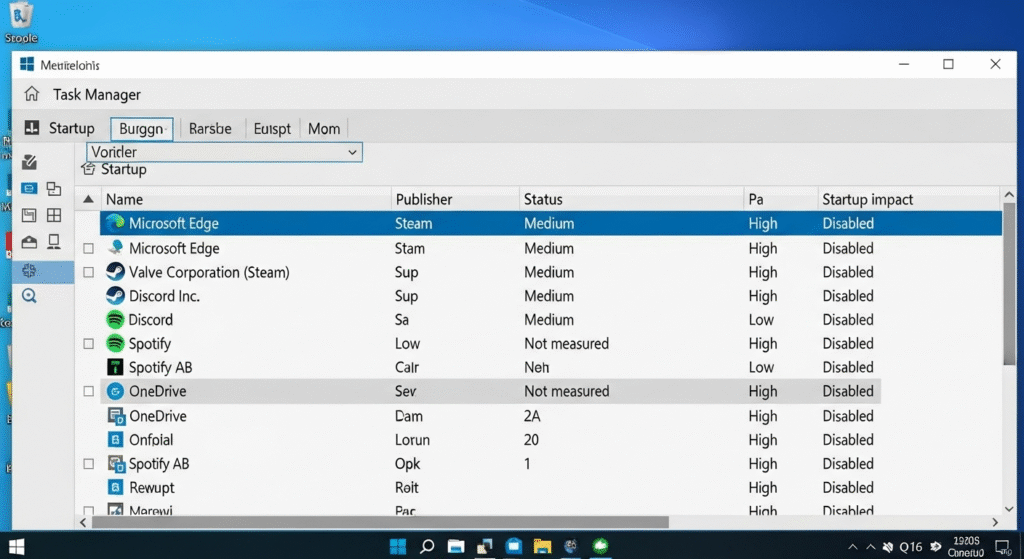
1. Clean Startup Programs
- When your laptop starts, many apps open automatically.
- Go to Task Manager → Startup tab and disable apps you don’t use.
- This makes your laptop boot faster.
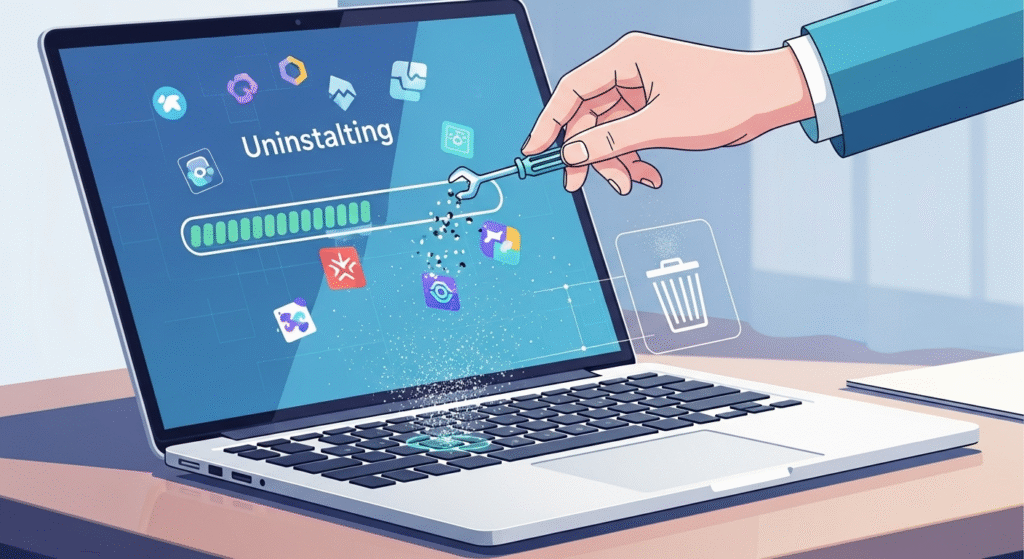
2. Uninstall Unnecessary Apps
- Remove apps you don’t use.
- They eat RAM and storage.
- Use Control Panel or Settings → Apps.
3. Upgrade to SSD (Solid State Drive)
- If you still use HDD, upgrade to SSD.
- Speed difference is like bicycle vs airplane 🚴✈️.
- Windows will boot in seconds.
4. Add More RAM
- 4GB RAM is not enough in 2025.
- Upgrade to 8GB or 16GB RAM.
- More RAM = smooth multitasking.
5. Keep Windows & Drivers Updated
- Updates fix bugs and increase performance.
- Always install official updates.
6. Use Lightweight Antivirus
- Viruses slow down PC.
- Use free antivirus like Windows Defender or premium like Kaspersky.
- Don’t use too heavy antivirus.
7. Clear Cache, Junk, and Temporary Files
- Use Disk Cleanup or tools like CCleaner.
- Delete unnecessary files and browser cache.
8. Manage Background Apps
- Many apps run silently in background.
- Go to Settings → Privacy → Background apps.
- Turn off unused apps.
9. Control Heat – Clean Dust
- Overheating = slow speed.
- Clean laptop fans and vents.
- Use cooling pad if needed.
10. Disable Visual Effects
- Windows has animations and effects.
- Go to “Performance Options” → Adjust for best performance.
- It makes old laptops faster.
11. Defragment Hard Drive (Only HDD)
- If using HDD, defragment once in 3 months.
- For SSD, never defragment.
12. Use Cloud Storage
- Don’t overload laptop storage.
- Use Google Drive, OneDrive, Dropbox for big files.
13. Reset or Reinstall Windows (Last Option)
- If everything fails, reset Windows.
- It makes laptop fresh and new.
💡 Extra Smart Tips (2025/2026)
- Use dark mode (less battery use).
- Close tabs you don’t need.
- Avoid pirated software.
- Restart laptop weekly.
- Turn on “Battery Saver” in laptop for longer life.
Your laptop doesn’t need to be slow in 2025 or 2026. With small care, you can make PC fast again.
Follow the above steps one by one.
- If you want quick free results → clean junk, disable startup, update Windows.
- If you want long-term speed → upgrade SSD and RAM.
Your computer will thank you with super speed 🚀.